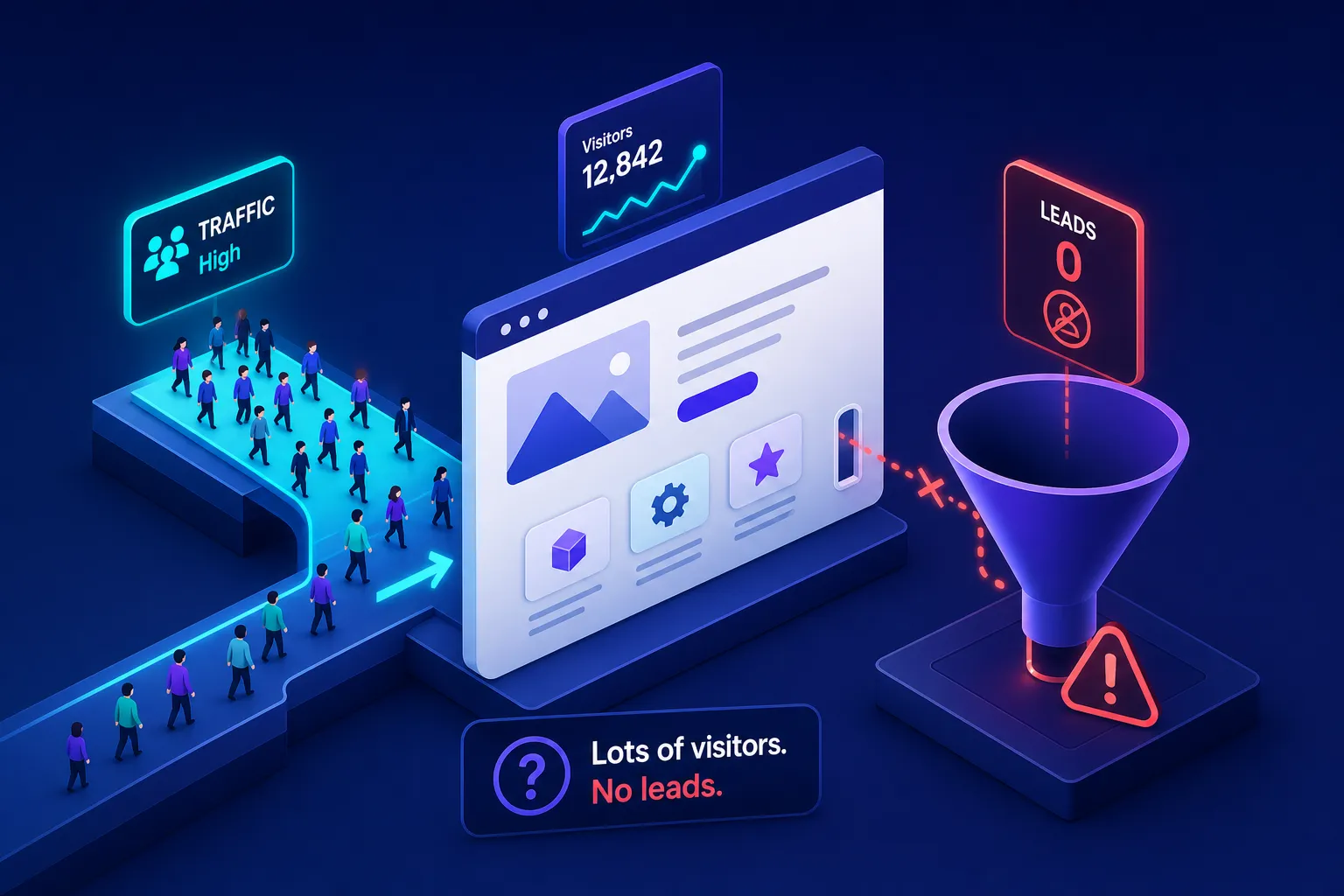
If you're wondering why your website is not getting any leads despite steady traffic, you're not alone, and you're not dealing with a traffic problem. You're dealing with a conversion problem, and those are two very different things to fix. The traffic reports look fine. Visitors are arriving. But the phone stays quiet, the contact form collects nothing, and the enquiry inbox hasn't moved in days.
Here's a number worth knowing: a 2026 analysis of 31 South African small business sites found the average unoptimised website converts at just 0.9%. That means fewer than one in a hundred visitors submits a form or picks up the phone. If you're sitting in that zone, you're not unusual, but you are leaving serious revenue on the table. Optimised service sites in the same market regularly reach 4% to 5% on identical traffic levels, benchmarked against professional services conversion rates of 2% to 5% across comparable markets.
The difference between 0.9% and 4% is often not a redesign. It's usually one or two specific gaps in traffic quality, conversion design, offer clarity, or technical performance. At Pixel Panda, we diagnose the single biggest bottleneck first, then fix that before touching anything else. This article walks you through that same diagnostic process so you can find where your visitors are dropping off and what to do about it.
Why your website isn't getting leads, it might be your traffic, not your pages
Before you touch a single page, check who is actually landing on your site. A page that converts at 3% for qualified, ready-to-buy visitors will convert at near zero for people who had no intention of enquiring in the first place. Blaming the website for low website conversions when the traffic is misaligned is one of the most common and expensive mistakes small businesses make.
When your keywords attract the wrong audience
Ranking for broad or informational keywords pulls in researchers, not buyers. A page optimised for "what is a website audit" will attract people looking for an explanation. A page optimised for "website audit for small business Cape Town" attracts people who want to book one. These are fundamentally different visitors, and your site can't convert the first group no matter how good it is.
The symptom is telling: reasonable session volume, a high bounce rate, and low time on page. A high bounce rate means visitors land and leave without clicking anything, a reliable signal that keyword intent is misaligned. If you're seeing this pattern in your analytics, keyword intent is the first place to investigate. In Google Analytics 4, compare the engagement rate and average engagement time across your top organic landing pages. Pages pulling in low-intent traffic will show significantly lower engagement than pages attracting buyers.
When paid traffic doesn't match your landing page
Paid campaigns carry a specific risk: your ad makes a promise, and if the landing page doesn't deliver on that promise immediately, visitors leave. An ad for "emergency roof repairs Johannesburg" that drops someone on a general building services homepage creates a gap between expectation and reality. That gap is closed by the back button, not an enquiry form.
Every paid campaign should link to a landing page built around the exact offer in the ad. This is not optional. The expectation you set in the headline of the ad needs to be the first thing a visitor sees when they arrive on the page.
Why your website isn't getting any leads, conversion design gaps
Well-targeted visitors still need to be led. Many small business websites describe services clearly enough but never tell the visitor what to do next. That's a conversion design problem, and it accounts for more lost leads than almost any other issue on this list, weak or missing calls to action are consistently cited as a primary cause of poor lead capture in conversion research. For more practical improvements, see our guide to fixing low website conversions.
CTAs that visitors overlook or ignore
A "Contact Us" link buried in the footer navigation is not a call to action. Neither is a grey button that blends into the background below the fold. Specific, benefit-driven CTA copy has produced conversion increases of up to 161% in published A/B tests. "Get a Free Quote" consistently outperforms "Submit." "Book My Free Audit" outperforms "Click Here." The specificity signals to the visitor exactly what happens when they act, and that clarity reduces hesitation.
Placement matters as much as wording. Your primary CTA should appear above the fold, visible without scrolling, on every key service page. Include a second CTA at the end of the page to capture visitors who read through before deciding. On mobile, your button needs to be within thumb reach at the bottom of the screen, not floating somewhere in the middle of a wall of text.
Contact forms that add unnecessary friction
A form asking for your company name, annual turnover, preferred contact method, service category, and timeline is not a contact form. It's an interrogation. Best practice for service businesses is three to five fields maximum: name, email address, and a brief message. That's it. Every additional field you add reduces submission rates.
Button text on the form itself matters too. "Send my enquiry" outperforms "Submit" because it tells the visitor what's happening rather than what they're doing. Follow up the submission immediately with a confirmation message. Something as simple as "Thanks, we'll get back to you within one business day" reassures the visitor that their message landed and wasn't swallowed by the internet.
Your messaging isn't convincing visitors to act
A visitor decides whether to stay or leave within five seconds of landing on your homepage, a finding consistent with usability research on first impressions and page abandonment. If your headline says "Welcome to our website" or "Quality service you can trust," they're already gone. Vague messaging is the second most overlooked conversion lever after CTA design, and headline optimisation has produced uplifts of around 25% in conversion rates in published tests.
The 5-second clarity test your homepage is probably failing
Here's a simple diagnostic: cover your logo and ask someone unfamiliar with your business to look at your homepage for five seconds. Can they tell you what you do, who you do it for, and what to do next? If the answer to any of those three questions is "not really," your headline is costing you leads every single day.
The fix is a single, specific hero headline that names the problem you solve and the audience you solve it for. "We help Cape Town accounting firms stop losing leads from their website" is better than "Professional digital solutions for businesses." It's more direct, it self-qualifies the right visitors, and it immediately signals relevance to the person who most needs your help.
Trust signals that are missing or buried
Testimonials, case studies, recognisable client logos, and verified review counts reduce the perceived risk of making an enquiry. Strategic social proof has produced conversion increases of 31% in published case studies. For South African service businesses specifically, local credibility markers carry extra weight: suburb or city references, known local clients, and Google review counts tied to a verified location all reduce the anxiety a visitor feels before they hit "send."
The mistake most businesses make is burying these signals at the bottom of the page. Trust signals belong near your CTA, not after it. If a visitor needs to scroll past the form to find proof that you're credible, you've arranged the page in the wrong order.
Technical issues quietly pushing visitors away before they convert
A well-targeted visitor who lands on a clearly messaged page with a strong CTA can still abandon if the page loads slowly or behaves poorly on their phone. Technical problems are invisible in content reviews, which is exactly why they go unfixed for so long.
Load times that lose visitors before they read a single word
Google's Core Web Vitals benchmark is clear: your main content should appear on screen within 2.5 seconds, measured as Largest Contentful Paint. Google's own mobile speed research shows 23% of visitors leave before the page loads if main content takes 4.2 seconds or more. For South African mobile users on variable network connections, this problem is amplified. A competitor's site that loads in two seconds starts with a significant advantage before a visitor has read a single word of your content.
The two most common culprits on small business websites are uncompressed images and poorly configured hosting. Both are fixable without a rebuild. Start with Google PageSpeed Insights, which is free, requires no technical setup, and gives you a prioritised list of exactly what to address. Fix the images first. They're almost always the biggest single win.
Mobile experience that frustrates instead of converts
Over half of South African web traffic arrives on a smartphone, according to local web analytics data. If your contact form requires pinching to zoom in, your CTA is cut off on smaller screens, or your text is too small to read without squinting, mobile visitors leave before they enquire. The minimums are straightforward: 44-pixel tap targets on buttons and form fields, single-column form layouts, and primary CTAs within thumb reach at the lower portion of the screen. These are not nice-to-haves. They're the baseline for any service website that wants to improve its mobile lead capture and stop haemorrhaging enquiries from its biggest traffic source.
How to diagnose your website and fix the right problem first
The temptation after reading through a diagnostic list like this is to fix everything at once. That approach wastes time, makes it impossible to measure what actually worked, and often introduces new problems while solving old ones. The most effective method is to identify the single biggest bottleneck, address it, measure the result, and then move to the next constraint.
Start with a free website audit to find your actual bottleneck
Pixel Panda's free website audit reviews your site across traffic quality, conversion design, messaging clarity, and technical performance, then surfaces the specific issues most likely to be costing you enquiries. A gut-feel redesign without this kind of structured review routinely misses the real problem and leaves the bottleneck intact underneath a fresh coat of paint. If you're still asking why your website isn't generating leads after making changes, it's usually because the underlying constraint was never properly identified.
Three metrics to track once you've made changes
Once you've made your first round of improvements, you need three numbers to measure whether they worked. Your overall conversion rate should be your north star: target 2% to 5% for an optimised service site, measured against the 0.9% South African baseline. Average session duration serves as a proxy for messaging clarity and engagement, if visitors are reading longer after your changes, your content is resonating. The source of your converting leads tells you whether your traffic quality is improving alongside your conversion design.
All three of these metrics are available in Google Analytics 4 without any technical expertise. In the Traffic Acquisition report, filter by source and compare engagement time alongside conversion events. In the Engagement Overview, watch session duration trends week on week after each change. The data will tell you whether your fix worked or whether the bottleneck is somewhere else entirely.
Fix one thing first, then measure what changed
The diagnostic framework here covers four areas: traffic quality, conversion design, offer clarity, and technical performance. Most websites not generating leads are failing on one or two of these, not all four simultaneously. You don't need a full rebuild. You need to find the specific constraint and remove it.
Consider the compounding value of small improvements. Moving from 0.9% to 2% on 500 monthly visitors produces five additional enquiries every month from the exact same traffic you're already paying for or earning through SEO. That's sixty extra conversations per year with people who found you and were interested enough to arrive. Getting the conversion fundamentals right is how you extract the growth that's already sitting in your traffic.
If you're still asking why your website is not getting any leads, the answer is almost certainly sitting in one of the four areas above. Before spending more on ads, commissioning a redesign, or doubling down on content, run a structured audit to understand exactly where the gap is. The decision should follow the data, not the anxiety. Book a Growth Review to get a clear, prioritised view of which bottleneck to tackle first.