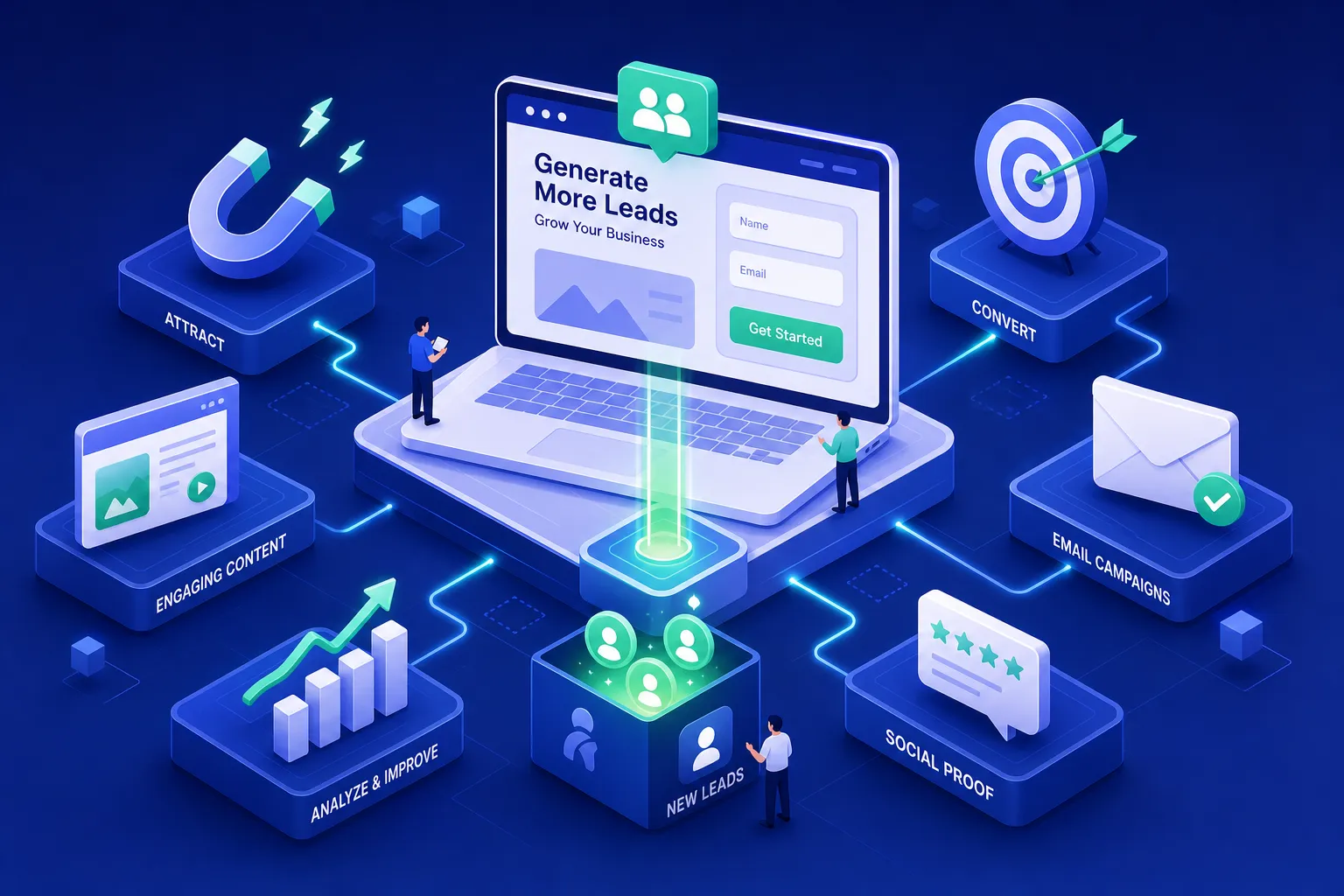
The average website conversion rate for small service businesses sits between 2% and 4% in 2026. For most small businesses, that means 96 out of every 100 visitors leave without making contact. The frustrating part is that the problem is rarely about traffic, it's about how the site is set up to capture interest once someone arrives.
This guide covers the most practical website lead generation tips for small businesses 2026 has surfaced, grouped by what they do and when to use them. Fifteen tactics in total, but you don't need all of them. You need the right three or four, applied in the right order. Keep that in mind as you read, and you'll finish with a clear implementation plan rather than an overwhelming to-do list.
If your site already attracts visitors but enquiries remain low, diagnose the bottleneck first with our guide to fixing a website that gets traffic but will not convert.
Website Lead Generation Tips for Small Businesses 2026, On-site Capture Essentials
Most small business websites leak leads every day through a basic structural problem: they give visitors nowhere meaningful to go when those visitors are interested but not yet ready to fill in a contact form. The tactics below fix that gap and represent the lowest-hanging fruit in any lead generation effort.
Tactic 1: Add live chat or a smart chatbot
Live chat consistently outperforms passive contact forms for service-based businesses because it meets the visitor in the moment rather than asking them to wait. Visitors who engage with chat convert at a significantly higher rate than those who don't. A well-configured chatbot qualifies the lead and routes the enquiry without requiring you to be online around the clock. Tidio (from $29/month) is a strong all-round option for website chat; ManyChat (free tier, Pro from $15/month) works well for social DM-based lead capture.
Tactic 2: Use exit-intent popups with a clear offer
Exit-intent popups trigger when a visitor's cursor moves toward closing the tab. Done well, this is one final, relevant offer before they leave, not an intrusive interruption. The offer must be specific: "Download the checklist" outperforms "Subscribe to our newsletter" every time because it gives the visitor a clear reason to stay. OptinMonster (from $7/month billed annually) handles the technical side without any developer involvement, making it a practical starting point for small businesses.
Tactic 3: Rewrite your CTA copy
"Contact us" and "Submit" are conversion killers. Replacing them with outcome-focused language is the fastest win on this list and costs nothing to implement today. Options that consistently perform well include "Get My Free Quote," "Book a 20-Minute Call," and "Start My Free Audit." CTA copy changes alone have produced up to 90% improvement in click-through rates in split tests, which makes this the first thing worth fixing before touching anything else on the page.
Lead Magnets Worth Building in 2026
Not all lead magnets are equal, and the format you choose matters more than most business owners realise. The picture in 2026 is clear: interactive formats outperform static downloads by a significant margin, and the effort required to build a checklist is a fraction of what an e-book demands, with considerably better results.
Tactic 4: Create an interactive quiz or assessment
Quizzes and assessments convert at 30 to 55% in 2026, making them the highest-performing lead magnet format by a considerable margin. For service businesses, formats like "What's holding back your website?" or "Which marketing channel suits your business?" deliver instant, personalised value to the visitor while giving the business qualified data about the lead at the same time. Typeform (free tier, paid from $28/month) and Interact Quiz Builder are both well-suited to small-business budgets and can be set up without a developer.
Tactic 5: Offer a focused checklist or quick-start guide
Checklists convert at 15 to 25% and are far easier to produce than e-books or video courses. The format works because it delivers practical, scannable value in under five minutes, exactly what a time-poor visitor wants. Keep the scope narrow: a "10-point website audit checklist for small businesses" outperforms a broad 40-page e-book on every metric. Static e-books convert at roughly 3 to 5%, so the effort-to-return ratio rarely justifies them for small businesses with limited content resources.
Tactic 6: Offer a free tool, template, or audit
Free tools create genuine utility before any commitment is made, which builds trust quickly. A pricing calculator, a budget template, or a site performance audit all demonstrate expertise while removing the friction of a first conversation. One example of this in practice is Pixel Panda's free website audit tool, which identifies specific growth gaps before any conversation takes place, giving the business owner real answers and giving Pixel Panda a qualified, informed prospect. It's an efficient lead magnet format for any service business with a clear diagnostic offering.
Landing Page Optimisation That Lifts Enquiry Rates
A landing page with one goal consistently outperforms a home page with five competing CTAs. The tactics below are data-backed and apply whether you're running Google Ads, targeting a specific organic keyword, or simply trying to improve the pages that already receive traffic.
Tactic 7: Build single-goal landing pages for paid and organic traffic
If you're driving traffic to your home page from an ad or a keyword-targeted blog post, you're losing leads. The traffic should land on a page that mirrors the visitor's intent exactly. A focused landing page strips out navigation, sidebars, and competing links, anything that gives the visitor a reason to wander before they've taken the action you want. One page built around one offer and one action will consistently outperform a general page with multiple destinations. For local businesses, aligning these pages with location-specific keywords also strengthens local SEO lead generation, helping you capture searchers with high purchase intent in your area.
Tactic 8: Cut your form fields
Forms with 11 fields reduced to 4 have shown a 120% improvement in completion rates. For most small businesses, three fields are enough at the top of the funnel: name, email, and one qualifying question. If you genuinely need more information, go multi-step. Multi-step forms that break a longer process into stages average 13.85% completion, compared to 4.53% for single-page forms, so the structure of the form matters as much as the content.
Tactic 9: Optimise for mobile and speed
Mobile traffic accounts for the majority of visits to most small business websites in 2026. Large tap targets, correct input field types (tel, email), and minimal vertical scrolling are non-negotiable on any lead capture page. Add inline validation so users see field errors in real time rather than after clicking submit. This is one of the highest-impact friction reducers available without any design overhaul.
Tactic 10: Place social proof above the fold
A single strong testimonial or a recognisable client logo placed near the CTA reduces hesitation before a visitor has even read the rest of the page. This is not a design choice; it's a conversion tactic supported by consistent split-test data. Testing across service-business landing pages has shown that placing a Google review widget above the fold can lift form submissions by 15 to 25%, making it one of the easiest credibility improvements available.
Trust Signals That Reduce Hesitation Before the Click
For service-based businesses, the visitor can't try before they buy. Trust signals bridge that gap by reducing the perceived risk of handing over contact details. The tactics below address the most common points of hesitation on a lead capture page.
Tactic 11: Use specific testimonials and case study snippets
Generic praise ("Great service!") does very little for conversion. Specific, outcome-focused testimonials convert because they answer the question the visitor is already asking: did this actually work for someone like me? The strongest format pairs a name and company with the specific problem they had and the result they achieved. One well-placed testimonial near a contact form has been shown to lift form completion rates in repeat testing, particularly when it includes a recognisable name or company.
Tactic 12: Add security cues and privacy microcopy
A simple note directly below a form submission button, such as "We never share your details", reduces drop-off on high-stakes enquiry forms. SSL indicators, privacy-friendly language, and payment badges (where applicable) all contribute to a sense of safety at the moment of decision. These cost nothing to implement and take less than an hour to add, which makes them one of the most underutilised quick wins on this list.
Tactic 13: Show credentials, accreditations, and media mentions
If your business holds industry accreditations, professional memberships, or has been featured in publications, these belong on your lead capture pages, not buried in the footer. Third-party validation removes the burden of the visitor having to independently decide whether to trust you. Someone else has already done that work on their behalf, and surfacing it at the right moment makes a measurable difference to conversion rates.
Tools and KPIs to Track What's Actually Working
Implementing tactics without a way to measure their impact is how small businesses end up making confident decisions based on guesswork. Set your baseline before you change anything, and you'll know within 30 days whether a tactic is working.
Tactic 14: Pick the right tools for your budget
The most cost-effective pattern for a small business is one capture tool plus one CRM, not six separate platforms. Here's a practical starting stack for 2026:
- Forms and lead capture: Tally (free, with the most generous free tier available), WPForms ($49.50/year for WordPress sites), or Typeform ($28/month for conversational forms). - CRM and automation: HubSpot (free tier covers most small business needs; paid from $20/user/month) or Salesflare ($29/user/month for B2B teams). - Popups and on-site offers: OptinMonster (from $7/month billed annually). - [Chat and chatbots:](https://resources.rework.com/tools/chat-messaging/best-live-chat-software-2026) Tidio ($29/month) or ManyChat (free tier, Pro from $15/month).
It's worth noting that B2B and B2C businesses will weight these tools differently. B2B teams typically prioritise CRM automation and lead scoring (Salesflare or HubSpot paid tiers), since longer sales cycles make follow-up sequencing critical. B2C businesses, where decisions happen faster, often get stronger results by investing in on-site capture tools, exit-intent popups, chat, and well-timed lead magnets, rather than sophisticated pipeline management.
Tactic 15: Set your KPIs before you launch
Without a baseline, you can't know if a tactic is working. Before changing anything, record the following four metrics:
- Website conversion rate: total leads divided by total visitors. - [Form completion rate per page:](https://matomo.org/blog/2024/02/form-optimisation/) tracked individually for each lead capture page. - Lead source breakdown: organic, paid, referral, and direct channels separated out. - Cost per lead by channel: essential if you're running paid ads.
Review these monthly and adjust based on what the data shows. Gut feel is not a KPI.
Why a Bottleneck-First Approach Beats a 15-Point Checklist
Most small businesses that attempt a full website overhaul change too many things at once and have no idea what moved the needle. Implementing 15 tactics simultaneously is expensive, time-consuming, and rarely strategic. The better question is: what single constraint is currently costing the most leads?
Pixel Panda's approach to lead generation starts with a free website audit that identifies the one thing costing a business the most leads, time, or conversions, before recommending a single change. Once that bottleneck is fixed and measured, the next highest-impact improvement is identified and addressed. This iterative model is lower-risk, faster to show results, and far more accessible for small businesses that have been burned by over-scoped agency projects in the past.
It also means you don't need to implement all 15 tactics from this article. Identify which one or two apply to your specific situation first. Fixing the wrong thing perfectly still produces the wrong result.
Start With One Gap, Fix It, Then Iterate
The most effective website lead generation tips for small businesses in 2026 are not complicated: live chat, well-designed lead magnets, optimised landing pages, targeted trust signals, and clean KPI tracking. The pitfall is treating this list as a checklist to tick off all at once. Local SEO lead generation is worth adding to that mix if your business relies on geographic intent, a well-structured location page combined with any of the capture tactics above can significantly lift qualified enquiry volume.
Pick the tactic that addresses your most obvious gap, implement it properly, and measure the result before moving on to the next one. If you're not sure where that gap is, Pixel Panda's free website audit is the fastest way to find out. It takes a few minutes and gives you a clear picture of what's actually limiting your lead flow right now. Get in touch with the Pixel Panda team to get started.